Previous “Apple” posts

Not So Super, Apple

Frankly, “Use ChatGPT” is the best answer Siri has offered.

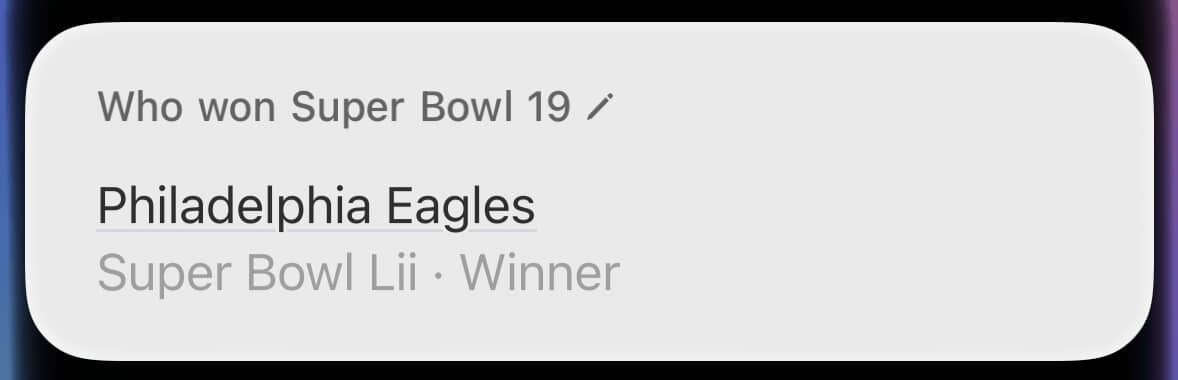
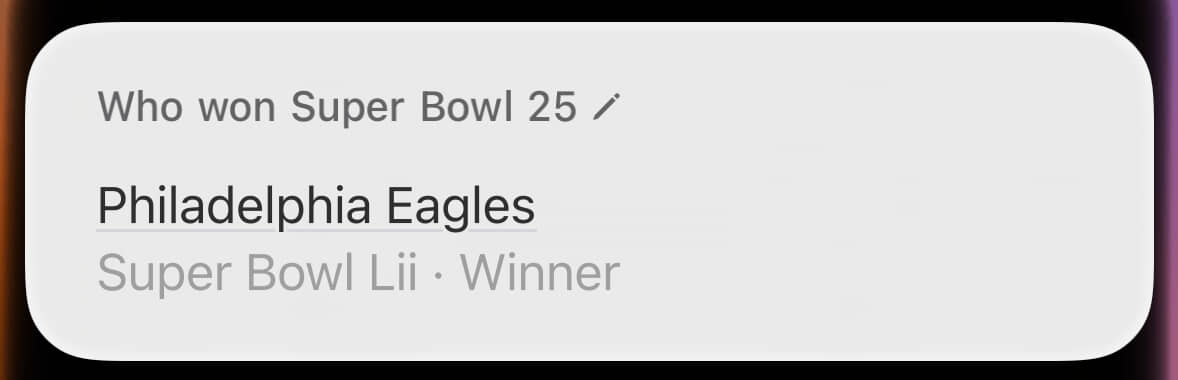
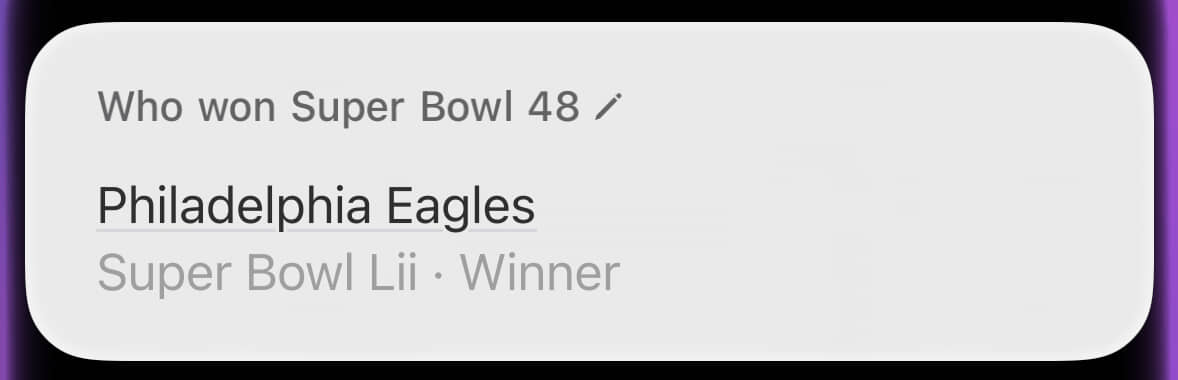
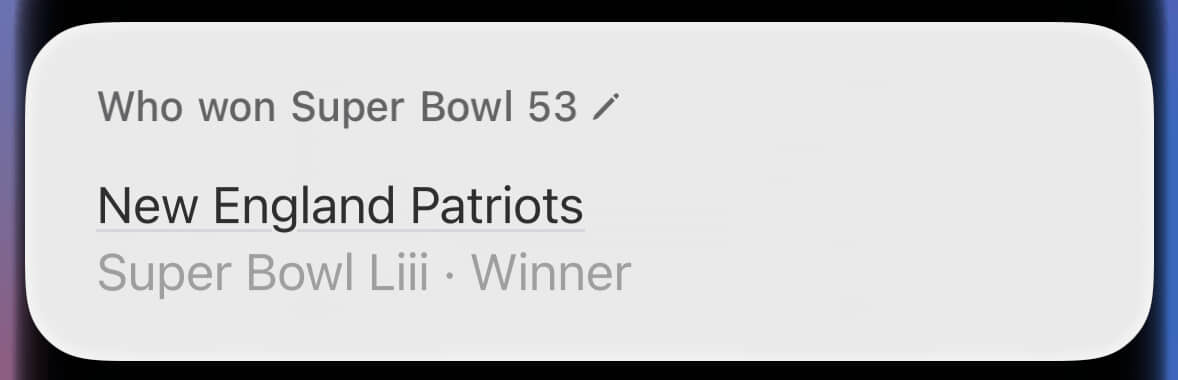
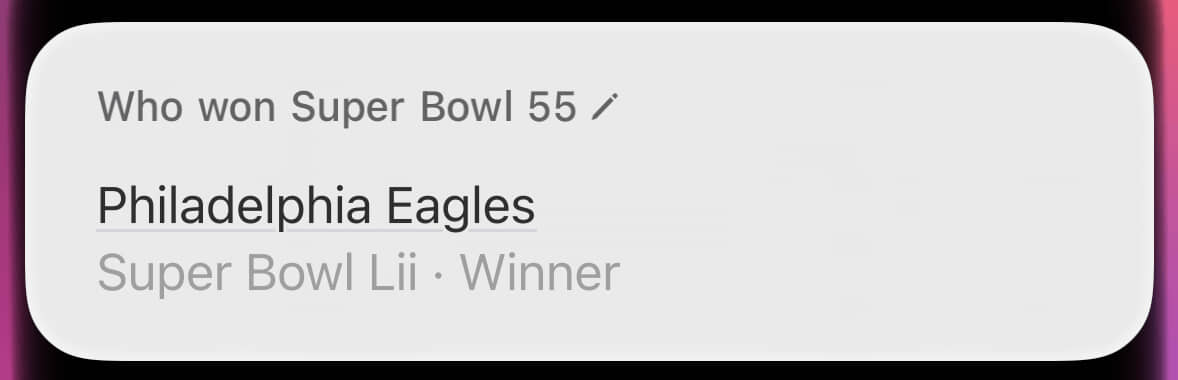
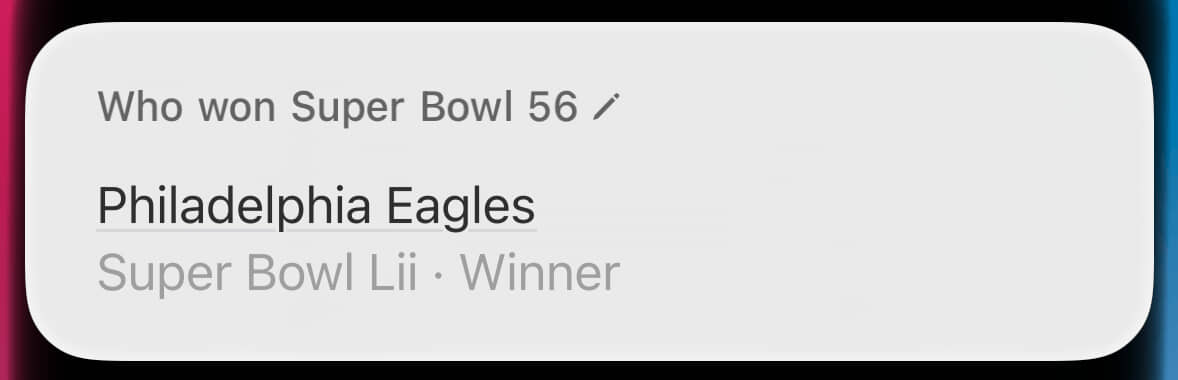
Yesterday, for reasons worth explaining only in a footnote1, I asked Siri who won Super Bowl XIII. It vomited out this hot mess:

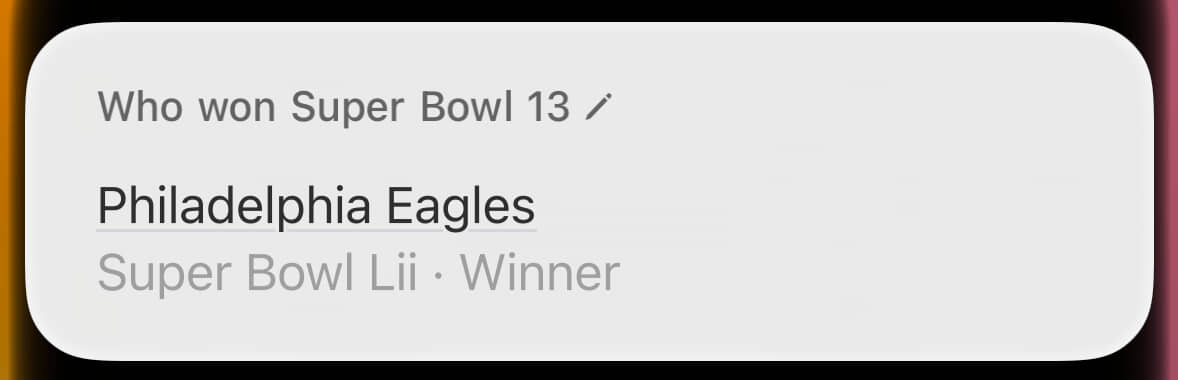
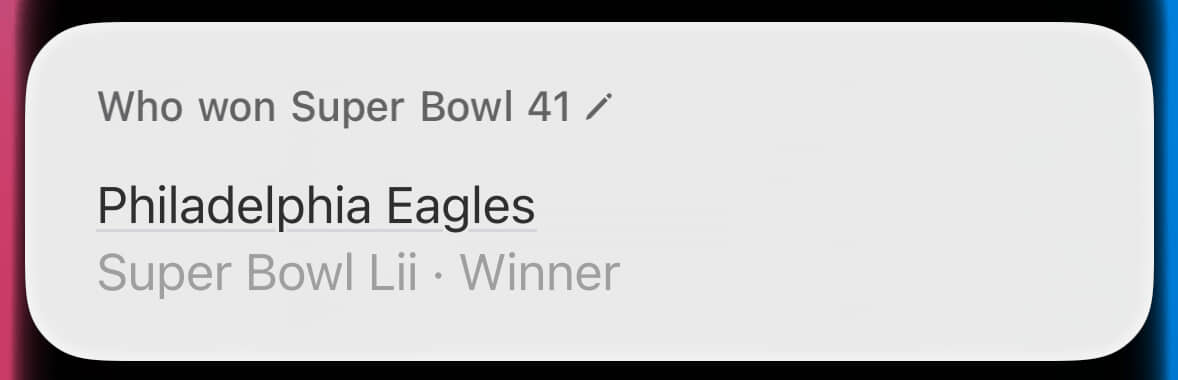
A Siri question and response. Question: Who won Super Bowl 13? Answer: Philadelphia Eagles Super Bowl 52 Winner

We’ll set aside that it transcribed my spoken “thirteen” as “13”, rather than the Roman numeral “XIII” that’s used for Super Bowls. The response is the real problem, because despite being asked about Super Bowl XIII, Siri is bizarrely providing the winner of Super Bowl LII. The requested match-up of Super Bowl XIII was contested between the Pittsburgh Steelers and the Dallas Cowboys,and the Philadelphia Eagles were most definitely not the winners. That would have been a hell of an upset.

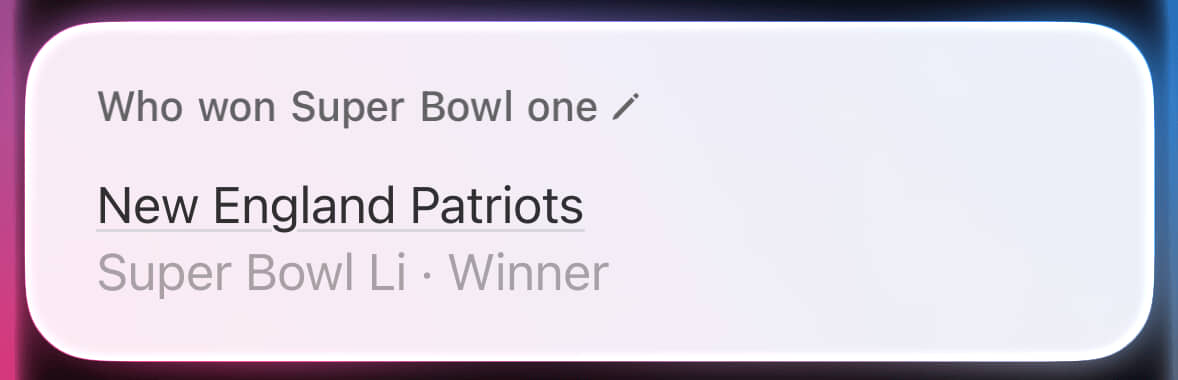
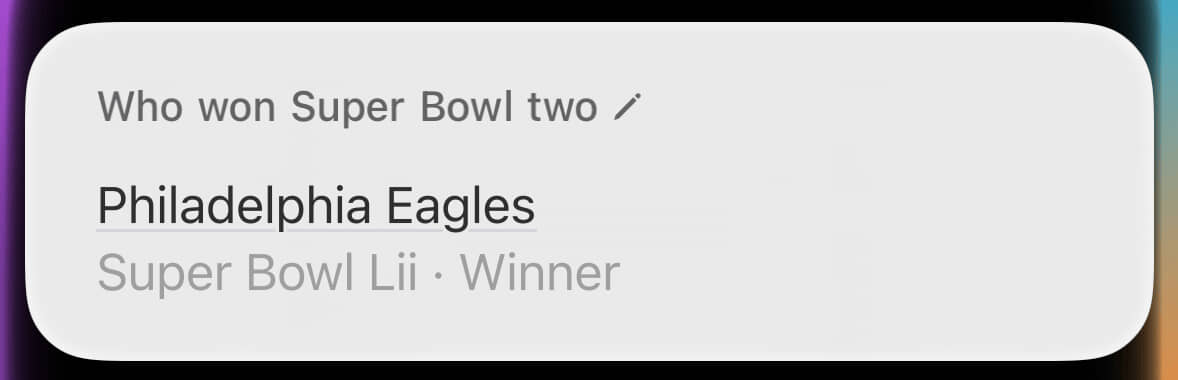
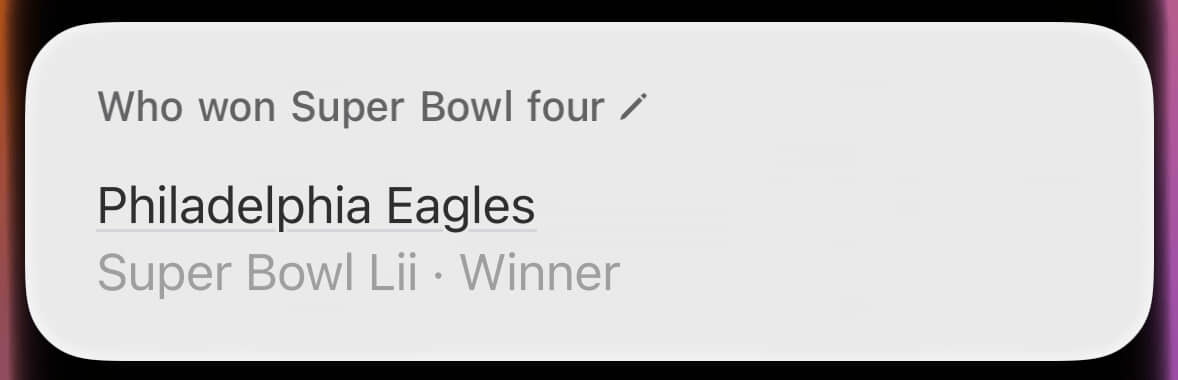
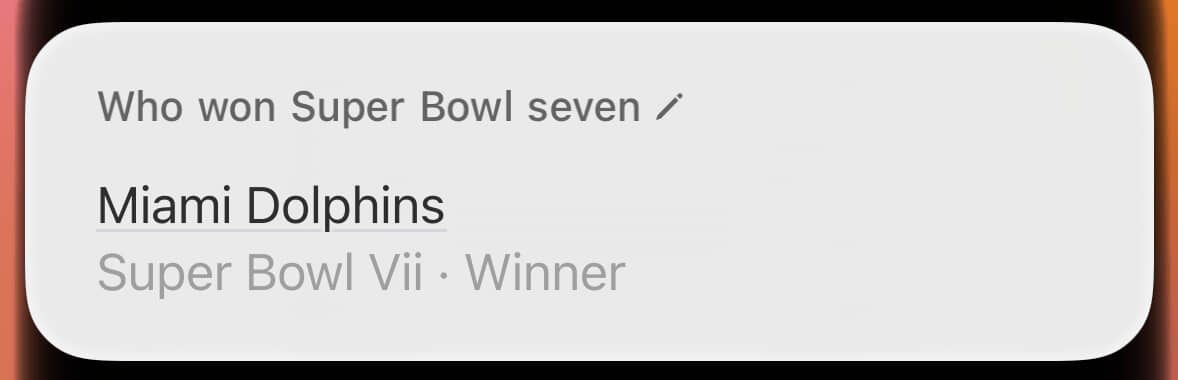
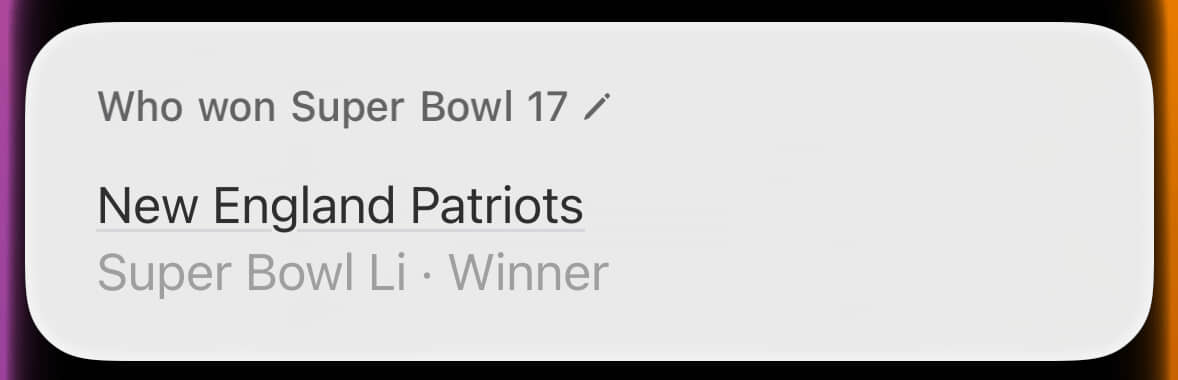
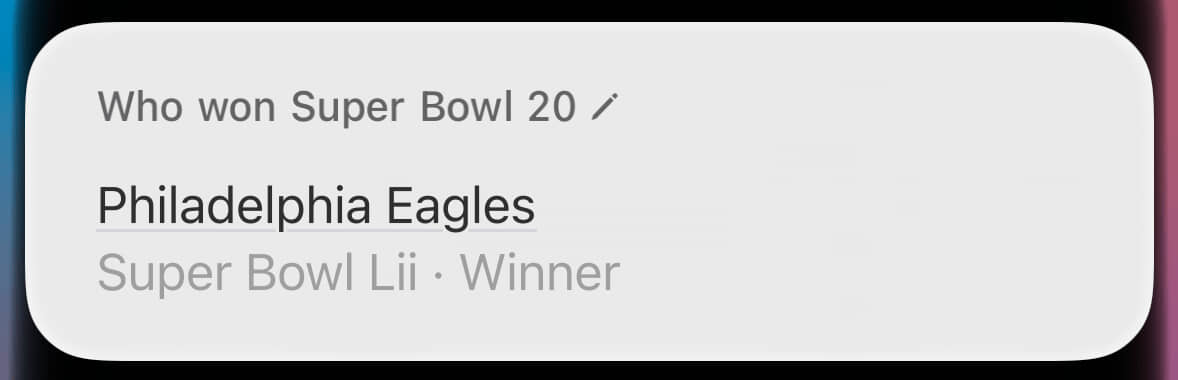
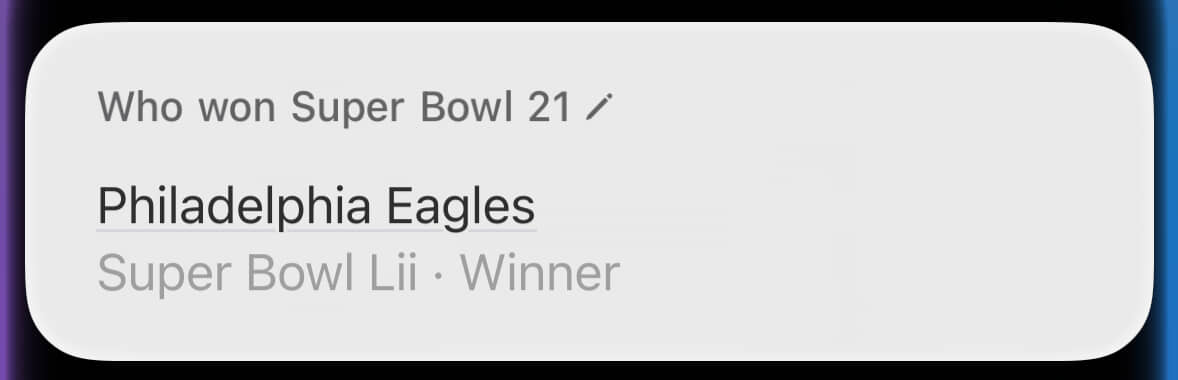
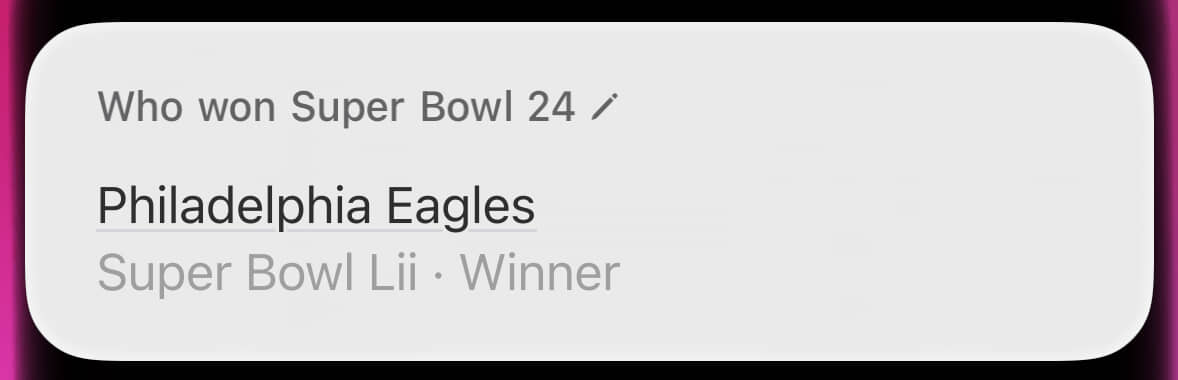
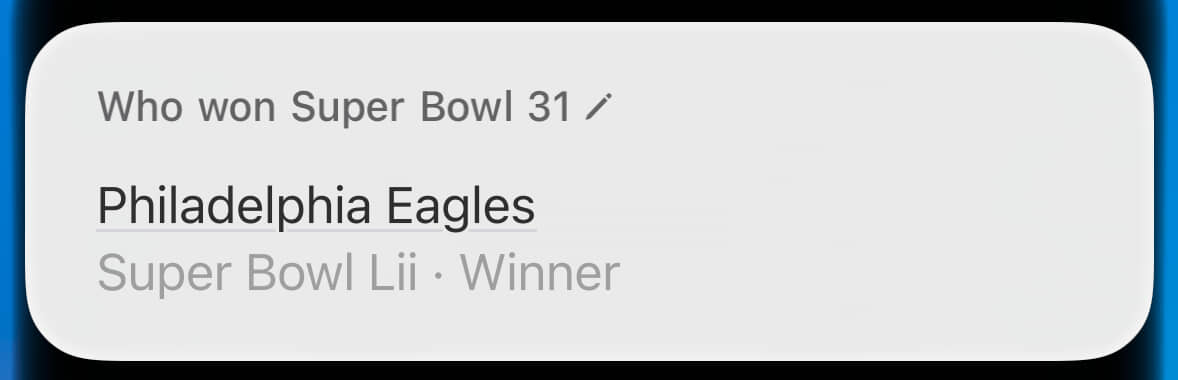
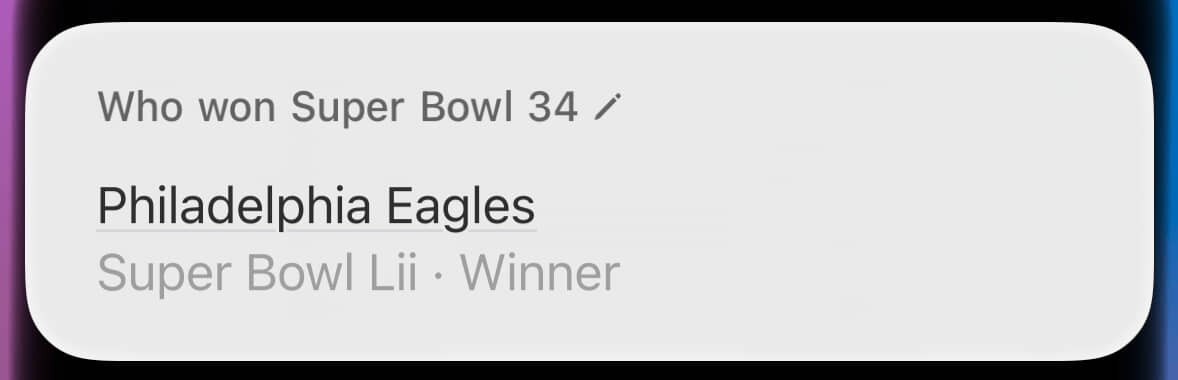
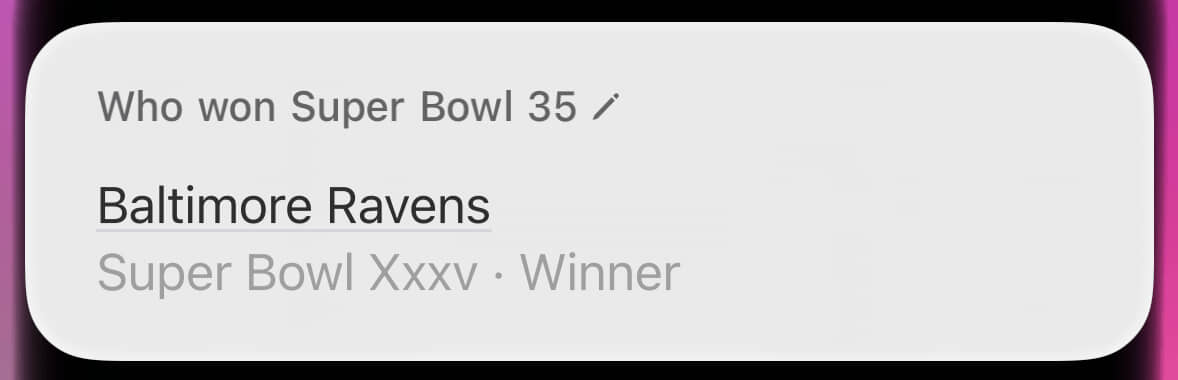
I shared this with my pal John, and we had a good laugh. In the course of that conversation, I dinked around further, hitting more and more wrong answers. Eventually, I decided to be methodical. I asked my iPhone2 who won Super Bowls 1 through 60 (that’s “I” through “LX” in Super Bowl styling) and captured a screenshot of each result.3 The timestamps tell me this took just under 10 minutes. It also made my thumb hurt a little.

I then used ChatGPT to make assorted text lists, including the Roman numerals from I to LX, as well as all the actual Super Bowl winners.4 This saved my thumb, and other fingers, some amount of pain. I shoved all this into a Numbers spreadsheet for analysis.5 On the graphical front, I worked with Flying Meat’s excellent Retrobatch to process the collection of images.

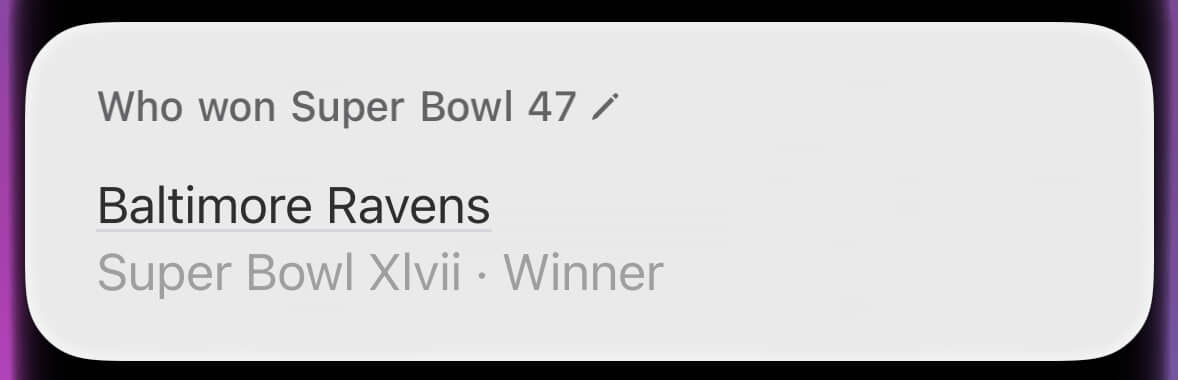
So, how did Siri do? With the absolute most charitable interpretation, Siri correctly provided the winner of just 20 of the 58 Super Bowls that have been played. That’s an absolutely abysmal 34% completion percentage. If Siri were a quarterback, it would be drummed out of the NFL.

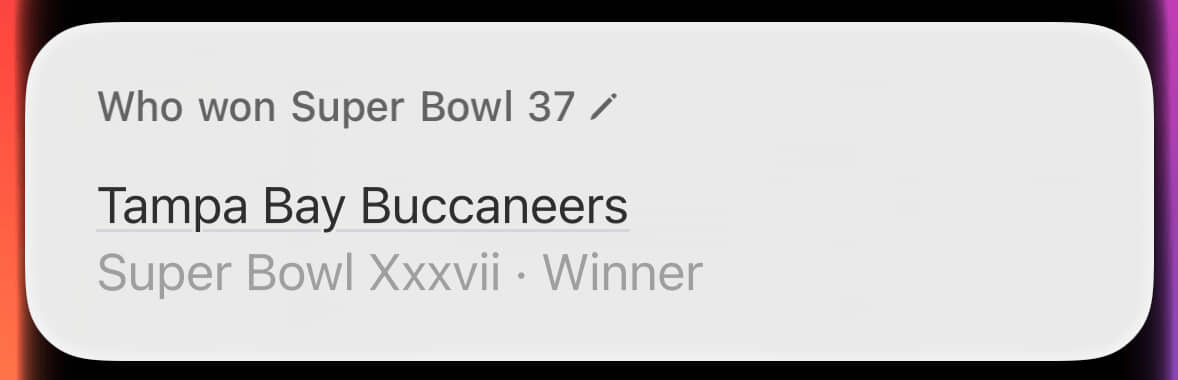
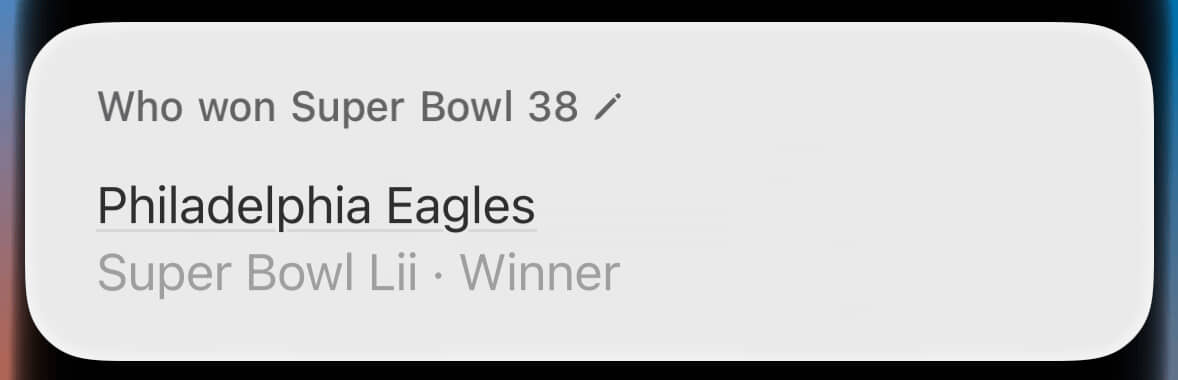
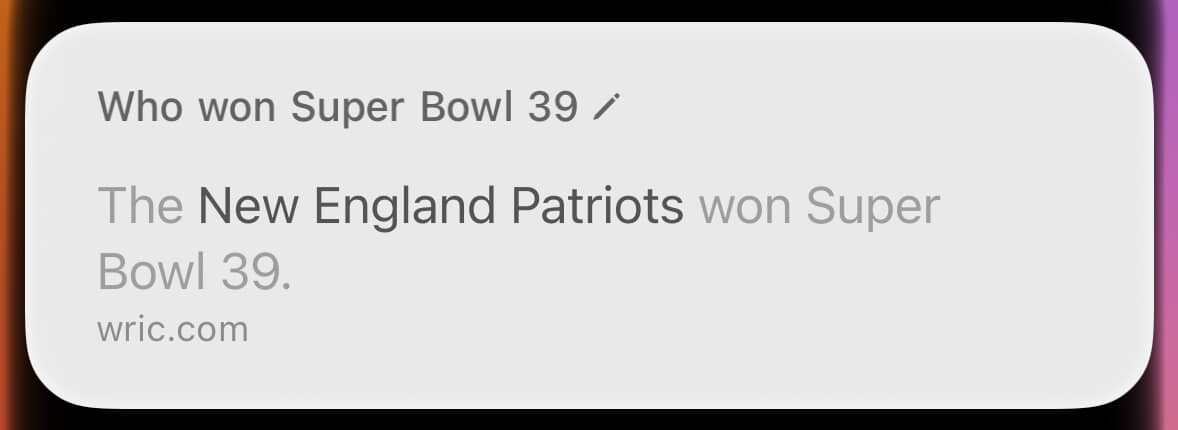
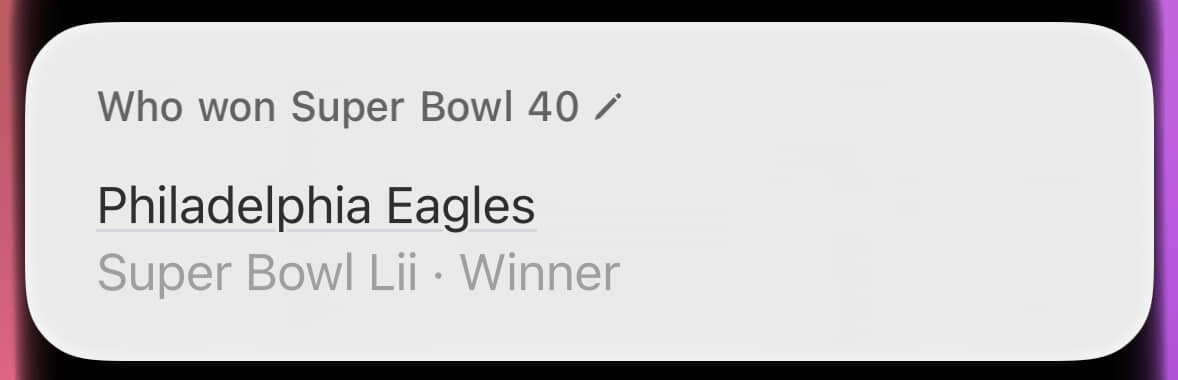
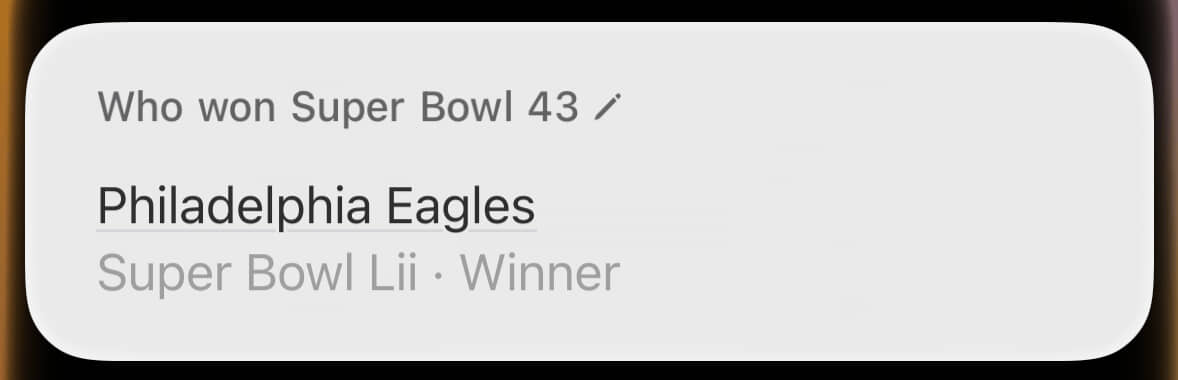
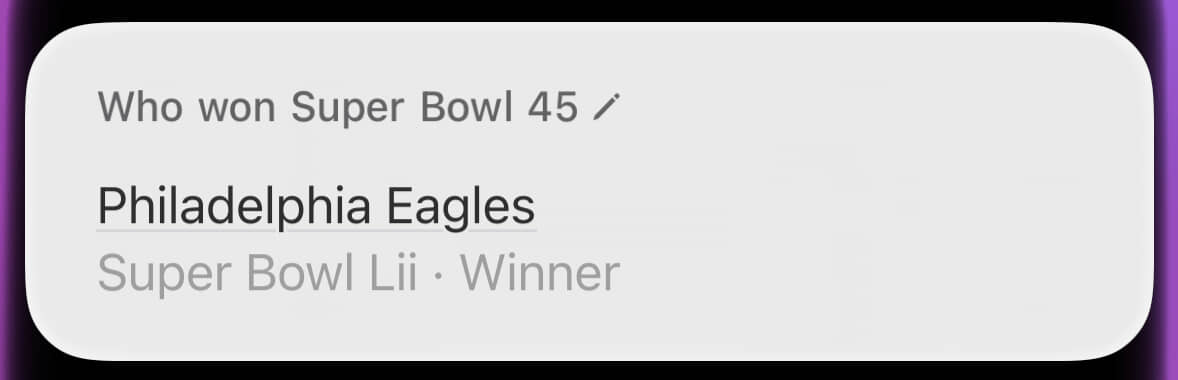
Siri did once manage to get four years in a row correct (Super Bowls IX through XII), but only if we give it credit for providing the right answer for the wrong reason. More realistically, it thrice correctly answered three in a row (Super Bowls V through VII, XXXV through XXVII, and LVII through LIX). At its worst, it got an amazing 15 in a row wrong (Super Bowls XVII through XXXII). Most amusingly, it credited the Philadelphia Eagles with an astonishing 33 Super Bowl wins they haven’t earned, to go with the 1 they have.

Below, I’ve gathered a dozen of my favorite responses, in sequential order.

Super Bowl III

A Siri question and response. Question: Who won Super Bowl 3? Answer: The New York jets won Super Bowl 3.

The first time the AFC won the Super Bowl was also the first time Siri gave a correct answer, and it even included a nice enough image.

Super Bowl V

A Siri question and response. Question: Who won Super Bowl 5? Answer: Baltimore colts, with a very low quality image of their logo

The second AFC Super Bowl victory was also Siri’s second right answer. This time, it featured a much worse image.

Super Bowl VIII

A Siri question and response. Question: Who won Super Bowl 8? Answer: A fancy card showing the Eagles victory over New England in Super Bowl 52.

Look at that lovely card. Alas, it’s providing information for a Super Bowl that took place more than four decades after the one I’d asked about.

Super Bowl X

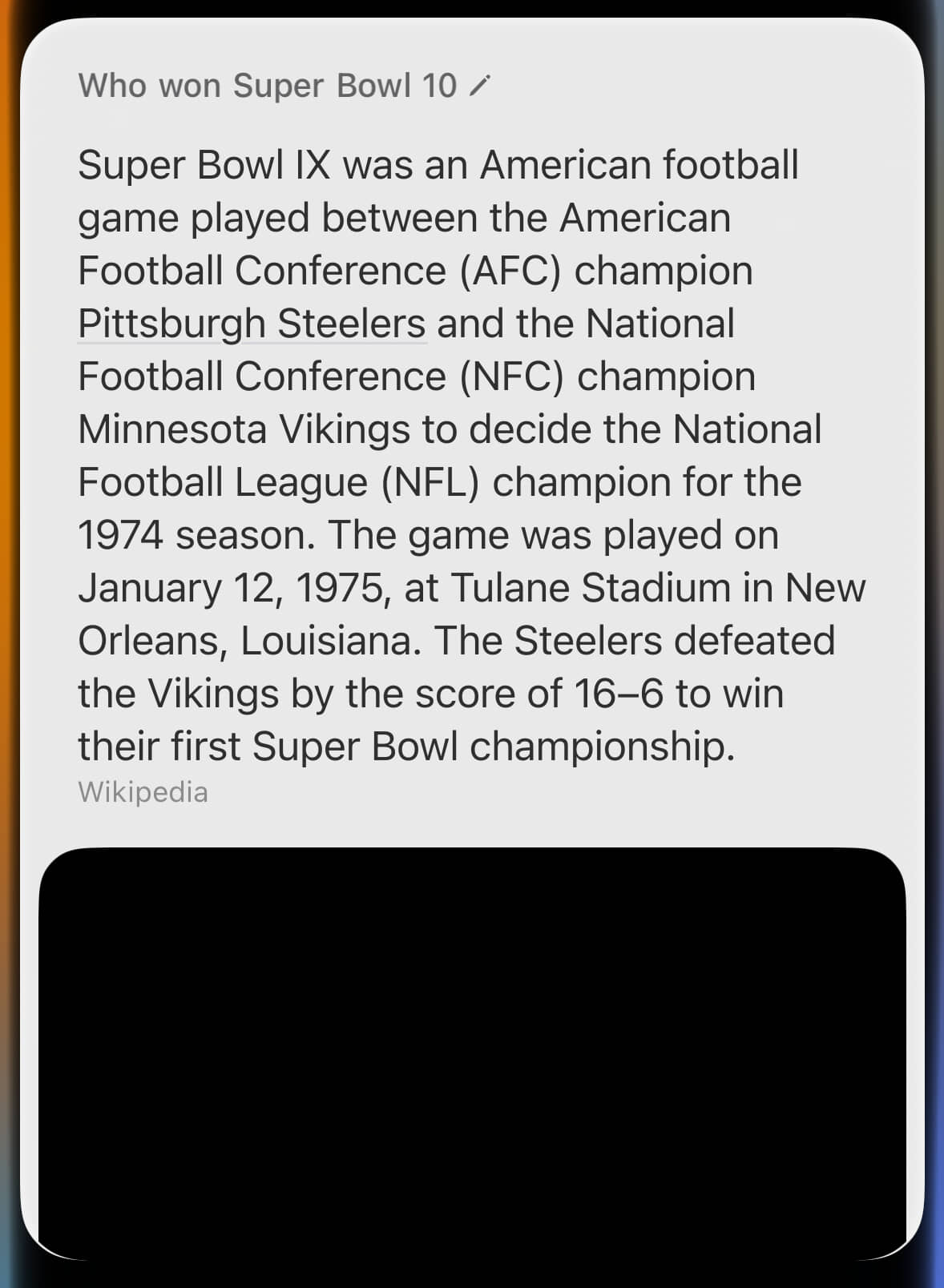
A Siri question and response. Question: Who won Super Bowl 10? Answer: A long text description about Super Bowl 9.

By contrast, look at that hideous wall of text about the wrong Super Bowl. This was where Siri provided the right answer for the wrong reason. Through sheer dumb luck, the winner of Super Bowl X (what I’d asked about) was also the winner of Super Bowl IX (what it’s blathering about).

Super Bowl XI

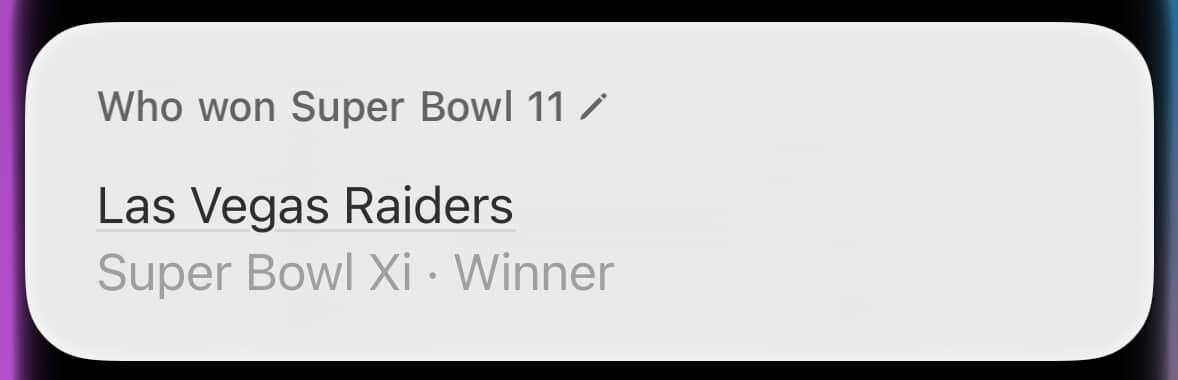
A Siri question and response. Question: Who won Super Bowl 11? Answer: Las Vegas Raiders

Right, and yet, still wrong! At the time, the Raiders played in Oakland. They would not move to Las Vegas for another 43 years.

Super Bowl XVI

A Siri question and response. Question: Who won Super Bowl 16? Answer: Do you want me to use ChatGPT to answer that? with buttons for “Search the Web” and “Use ChatGPT”

Inexplicably, for this one lone Super Bowl, Siri offered to search the web or use ChatGPT.

A ChatGPT-powered Siri question and response. Question: Who won Super Bowl 16? Answer: The San Francisco 49ers. This answer is correct.

Asking ChatGPT led to both a correct answer, and a useful warning to check for mistakes.

Super Bowl XXIII

A Siri question and response. Question: Who won Super Bowl 23? Answer: A text response about Bill Bellichick, as well as a bad picture of him.

This answer is nonsensical, but the mug shot-looking picture of Bill Belichick made me laugh.

Super Bowl XXX

A Siri question and response. Question: Who won Super Bowl 30? Answer: A long text answer blathering about Super Bowl MVPs.

Say, now there’s a bunch of barely related drivel. Thanks!

Super Bowl LVII

A Siri question and response. Question: Who won Super Bowl 57? Answer: A fancy card showing the Chiefs victory over the Eagles in Super Bowl 57

Ah, wow, a correct answer. And it’s on a fancy card and everything.

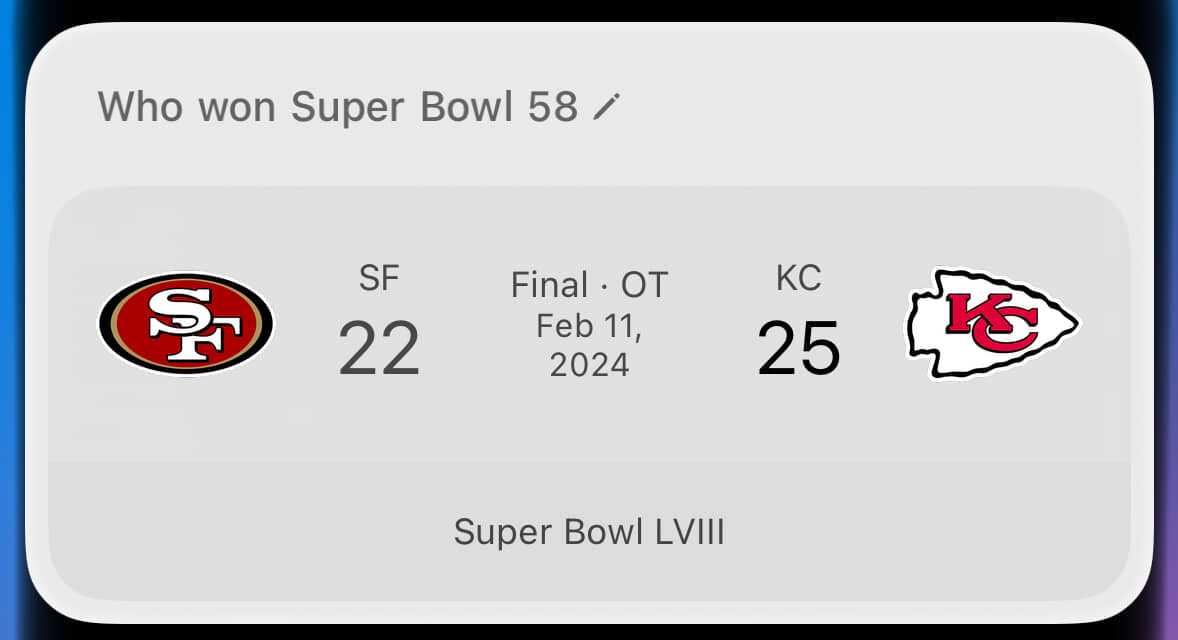
Super Bowl LVIII

A Siri question and response. Question: Who won Super Bowl 58? Answer: A fancy card showing the Chiefs victory over the 49ers in Super Bowl 58

Just like the Chiefs, that’s two in a row!

Super Bowl LIX

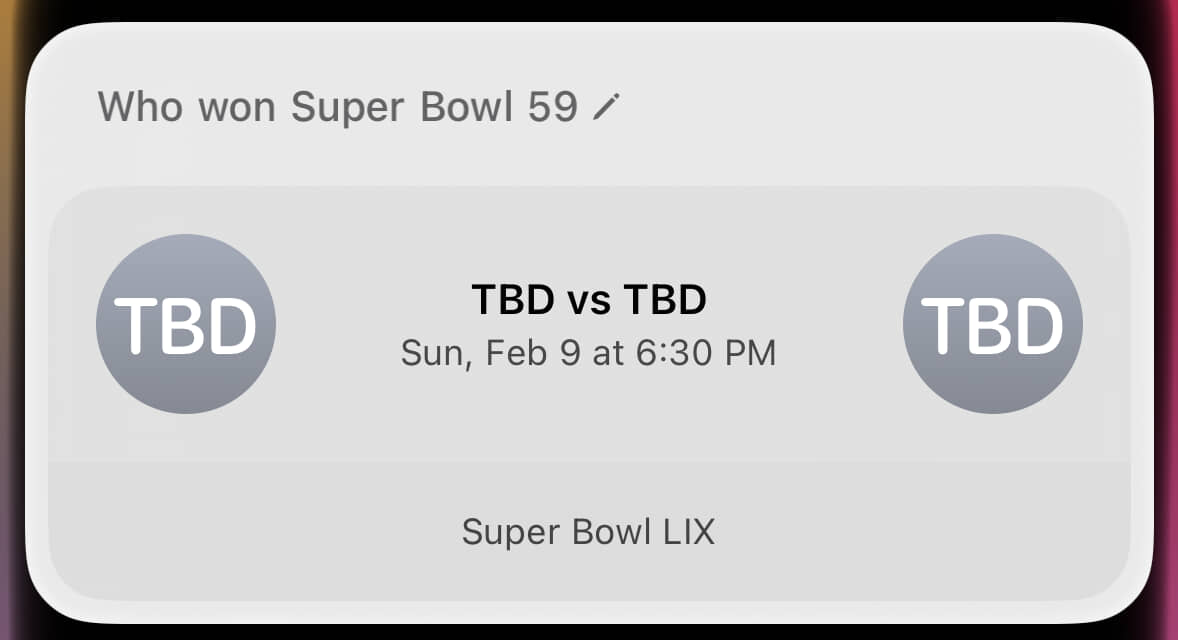
A Siri question and response. Question: Who won Super Bowl 59? Answer: A fancy card showing that the two teams for Super Bowl 59 have yet to be determined.

Super Bowl LIX (pronounced “licks”) hasn’t happened yet, and Siri knows it. Now we’re cooking with gas!

Super Bowl LX

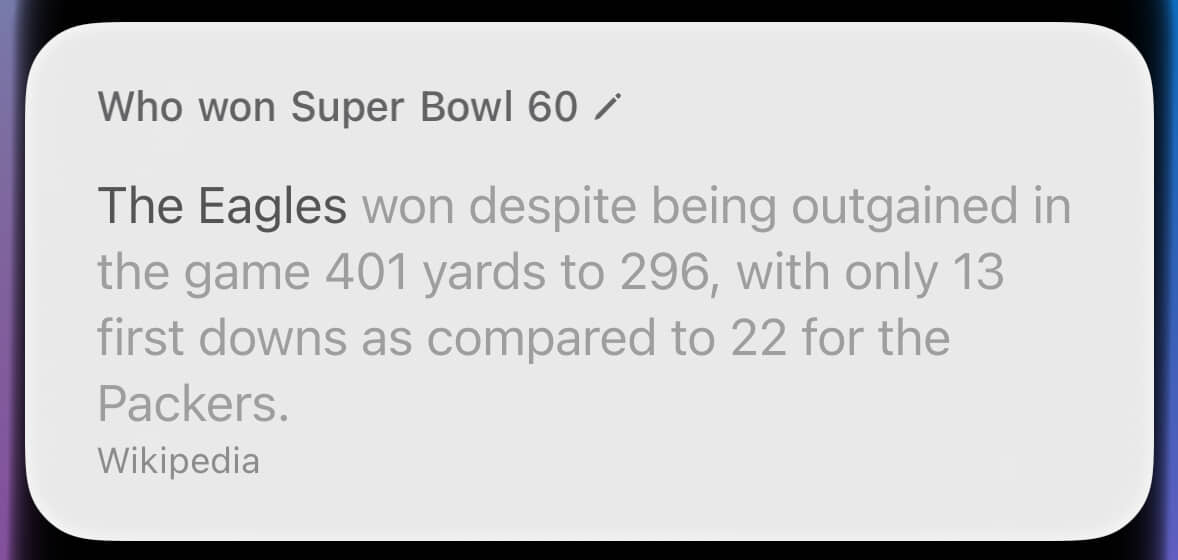
A Siri question and response. Question: Who won Super Bowl 60? Answer: A long text response about, you guessed it, the Eagles.

Never mind.6

That’ll do it for today’s edition of “Siri Is Dreadful”. If you weren’t looking for an incredibly deep dive on Apple’s failings when it comes to providing answers about Super Bowl winners, well boy, how did you make it this far? As I did in my previous post, I will again wish you better luck tomorrow.


Footnotes:

  1. First, my pal Amy Jane showed me a clip of Philadelphia Mayor Cherelle Parker misspelling “Eagles” in a chant.

    That led me to dig up the crack I’d heard about Terry Bradshaw (“He couldn’t spell ‘CAT’ if you spotted him the ‘C’ and the ‘A’”), which apparently originated with Thomas “Hollywood” Henderson before Super Bowl XIII. The page I landed on was part of NFL.com, the NFL’s official website. It also included a note that “[o]n the sidelines during that game, Henderson used a nasal spray bottle containing water mixed with cocaine”. Wild stuff!

    Anyhow, I wasn’t sure if Bradshaw or Henderson got the better of it in that game, so I turned to Siri. That was a mistake. ↩︎


    Update (February 3, 2025): Though it was slower than Siri, eventually, the universe answered my initial query.

  2. My phone was running iOS 18.2.1 and had Apple Intelligence enabled. I also tested a sampling of these questions on both the forthcoming iOS 18.3 (with Apple Intelligence enabled) and on MacOS 14.7.2 (with plain old Siri). In all cases, they provided identical, and identically wrong, results. ↩︎

  3. You can check my work via the a full collection of answers for Super Bowl I, II, III, IV, V, VI, VII, VIII, IX, X, XI, XII, XIII, XIV, XV, XVI, XVII, XVIII, XIX, XX, XXI, XXII, XXIII, XXIV, XXV, XXVI, XXVII, XXVIII, XXIX, XXX, XXXI, XXXII, XXXIII, XXXIV, XXXV, XXXVI, XXXVII, XXXVIII, XXXIX, XL, XLI, XLII, XLIII, XLIV, XLV, XLVI, XLVII, XLVIII, XLIX, L, LI, LII, LIII, LIV, LV, LVI, LVII, LVIII, LIX, LX ↩︎

  4. I cross-checked that list against my own knowledge, as well as both Wikipedia and ESPN. ↩︎

  5. I invite you to download this spreadsheet in Excel and PDF formats. ↩︎

  6. A very, very small amount of credit might be given here, as this is a description of what happened in the 1960 NFL Championship Game. ↩︎

Don’t Expect Too Much From Apple Intelligence

You just keep trying to kick that football, Charlie Brown.

I live just down the street from the home of both the Boston Celtics and the Boston Bruins, TD Garden. Games, concerts, and other shows at this arena can impact me greatly, so I frequently want to know “What’s happening at the Garden tonight?”. For several years, answering this question has involved skimming through the TD Garden schedule. That does do the trick, but it’s more work than I’d like.

After updating my iPhone to iOS 18.1 and activating the much-hyped Apple Intelligence, I thought I’d give Siri yet another shot. With its new brain, I thought perhaps it might now be able to handle the task of finding and reading a calendar for me. Guess how that went!

First, I asked Siri “Who’s playing at TD Garden tonight?”. Rather than a direct answer, it kicked back a series of Google search results:

A Siri response to the question “Who’s playing at TD Garden tonight?”, which lists three web search results

To be fair, this reply does contain the desired information within its results. However, that requires parsing through them. It’s not the simple and definitive answer I’m after.

So, I tried again. In this particular case, I actually knew it was the Celtics home opener, so I asked “Do the Celtics play tonight?”:

A Siri response to the question “Do the Celtics play tonight?”, which shows their upcoming game against the Knicks

Here, I did get the type of single specific response I was after. And yet, even this was lacking in critical details. The home team is usually on the right in displays such as this, but there’s nothing that confirms that hunch. It could say “Knicks @ Celtics”, or detail where the game is taking place, but it does not.

Siri does in fact know the game’s location, as seen when I asked “Where do the Celtics play tonight?”:

A Siri response to the question “Where do the Celtics play tonight?”, which shows that Siri knows they’re playing at TD Garden

Siri knew the exact expected answer to this query, and thus it ought to have known the answer to my original query as well. And yet there I was, three questions in before finally getting the desired information.

Perhaps you’re wondering how ChatGPT would handle “Who’s playing at TD Garden tonight?”. The answer is “with aplomb”:

ChatGPT nailing the answer to the quesiton

Yes, it got it in one, and even tossed in details about the Celtics championship celebration. That’s the kind of answer I want from a personal assistant. It’s also the kind of answer Siri has simply never been consistent about providing. Over 12 years ago, I noted just how much Apple was over-promising and under-delivering when it came to Siri. Alas, if my experience is anything to go by, too little has changed.

That’s Sorry, Alright

I’m sure the forthcoming WatchOS 11 will cure this problem right up.

Recently, my Apple dumbwatch developed an apparent hearing problem:

A request to Siri reading “Who do the Red Sox play today” and a reply reading 
“Sorry, could you say that again?”

Of course, it didn’t actually. Just as the above image indicates, I had indeed asked “Who do the Red Sox play today?”. Aside from the missing question mark, it transcribed things perfectly. Despite that, after spinning its wheels for a great number of seconds, it replied “Sorry, could you say that again?”. This happened three times in a row.

The likely issue here was actually that I had fairly poor connectivity at the time. In that scenario, it’s understandable that Siri would be unable to answer my question. It’s inexplicable, however, that it would ask me to repeat myself. You already know what I want, Siri! If you’re having trouble handling the request, say that. Making me repeat myself makes me want to repeatedly smash something.

Inception Attacks ∞

Please pardon my pessimism about face computers.

Here’s another reason not to open the Apple Vision Pro: you’ll avoid the risk of getting Inceptioned.

A Wise Investment ∞

Apple’s worst-ever iPhone is also the most valuable.

I’m not at all enthusiastic about Apple’s Vision Pro goggles. Nevertheless, I’m considering buying a set, and never opening it.

The Future Has Arrived

I have lived to see the day.

When Apple released iOS 17 last Monday, we entered a glorious future. No longer must we live in a world where a so-called “smartphone” is only capable of running a single timer at once. With the latest update, it’s now possible to set multiple timers at once. The phone can now handle dozens of timers at the same time, perhaps even hundreds! I stopped after setting 101 concurrent timers.

The iOS 17 Clock app, showing many timers at once.

Power! Unlimited power!

Please Allow Me to Stop Crushing It

There’s a limit on how much crushing is reasonable in one day.

Recently, I had an exceedingly active morning. It started with an early tennis match, which was followed by a very long run. Shortly before noon that same day, my Apple Watch hit me with this coaching message:

Apple Watch message that says ‘Off to a great start. Keep crushing it, Paul. Your Move and Exercise rings are way ahead for this time of day.’

The phrase “Off to a great start” carries with an implication that one should keep doing the same thing. For my part, however, I was done with physical exertion for the day. Here were my daily stats at that exact time:

Apple Watch showing 1806 calories burned and 170 minutes of exercise

So hey, you can go straight to hell, Watch. I will not “keep crushing it”. I will, in fact, eat a bag of potato chips and take a nap. How about “You’ve crushed it! Take a well-earned rest.”? It’s just never enough for this dumb watch.

Listen, I know I could turn this stuff off (Watch app > Activity > “Daily Coaching”), but there are two good reasons to keep it on. Number one, I do want to get reminders if I might miss my daily goals. Even more importantly, number two, it’s very nice to have a safe outlet for all of my righteous anger.

An Offer I Can Refuse

Owners of 2023 model year cars also don’t want a new car right now.

For several years, I’ve taken part in Apple’s iPhone Upgrade Program which enables me to move to a new iPhone once a year, if I wish. I last bought a new phone in September of 2022. This morning, I received an email with the subject line “You’re eligible to upgrade to a new iPhone today”.

An email stating, in part, “iPhone Upgrade Program - Take your iPhone experience to the next level. - As part of the iPhone Upgrade Program, you’re now eligible to upgrade to a new iPhone.”

Now firstaball, Apple knows that I already have an iPhone 14 Pro. Every month, I’m paying them for it. They’re pitching me on the features I already possess, so I’m not exactly sure how they propose that I “take my experience to the next level” by using the exact same phone. One might make a very poor argument that they’re pitching me on the iPhone 14 Pro Max, with its mammoth screen, but come on. That’s just stupid.

Perhaps this message was sent to the wrong list, and it was intended for folks with older phones. However, it’s mid-August, which means that Apple is almost certain to be shipping new iPhone models in the next few weeks. For over a decade, the company has had a very reliable schedule of fall iPhone releases. Current rumors indicate we’ll see new hardware announced by September 13, and that they’ll be switching from a Lightning port to a USB-C port. It’s an inopportune time to buy a new iPhone, period, let alone to buy the exact one I already have.

Still, my iPhone does have a scratch or two. I could have a new one. Tempting!

Knock It Off

Please, Can you Not?

Way back in 2011, I used the term “autocorrupt” to describe what the iPhone keyboard sometimes did in its attempts to fix mistyping. At the time, typing on a smartphone was still rather novel, and the built-in autocorrect technology was really fairly solid.

In the years since, it frankly feels like the tech has gotten worse. That may not be the reality, but it certainly hasn’t improved to the level we might expect after a full decade of advancements. For instance, on my iPhone, iOS autocorrupt has been turning “can” into “Can” mid-sentence for the past several months. I’ll go back and retype it, only to have it happen again. It’s maddening.

Recently, it’s gotten even worse. The phone has also started sometimes converting “not” to “Not” as well. You can see both of these issues below, in this screen recording of me typing:

You Can [sic] Not [sic] believe how vexing this is! I would dearly love to hear a reasonable explanation for this nonsense, but I am very skeptical one exists.

Thankfully, there may be at least some room for optimism. The next update to iOS is due out this fall, and it will purportedly improve autocorrection substantially, in part by customizing it to your specific typing styles. Fingers crossed.

Cause The Garage Door

Shoddy Identification; Really Irksome

Though Siri may have eventually learned the word “gazpacho”, it’s consistently finding new ways to vex me. Recently, I simply wanted to close my garage door from my Apple Watch, something I do frequently without issue:

An Apple Watch Screen reading: “Cause the Garage Door” and “Your garage doors can’t do that.”

For the record, I was not talking with my mouth full.